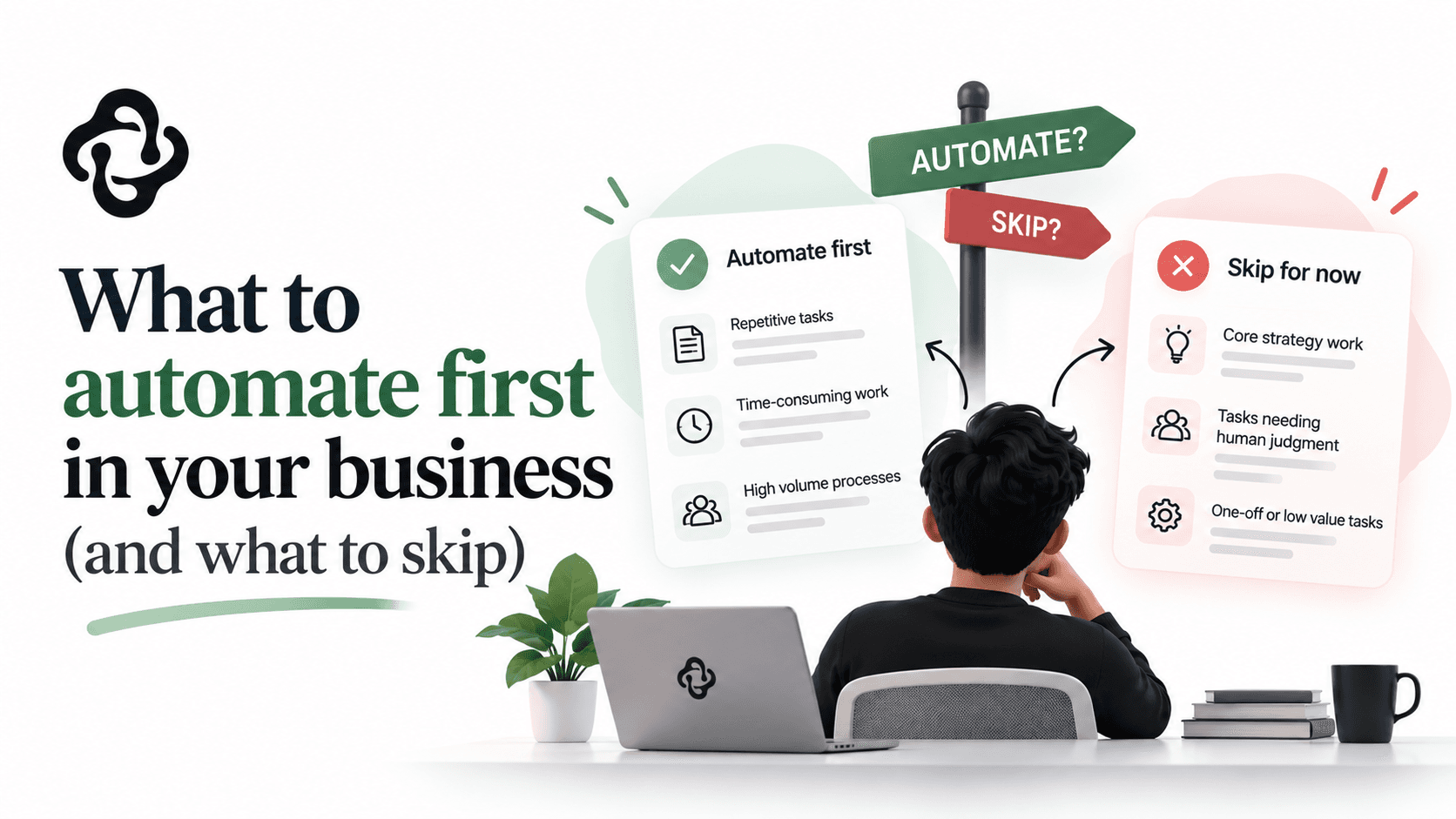
What to automate first in your business (and what to skip)
Automate the follow-ups first: invoices, leads, appointments, reviews. The ROI order that works, real 2026 costs, and what to leave manual.
The first things a business should automate are the follow-ups: customer replies, invoice chasing, lead nurturing, review requests, and appointment reminders. These five consistently top 2026 ROI studies because they're frequent, rule-based, and directly tied to money. A practical automation stack for a small business costs $4,000 to $12,000 in year one and typically returns 10 to 18 staff hours a week. Here's how to pick your first automation, in the right order, and what to leave alone.
Why follow-up work comes first
When researchers study where automation pays back fastest, the answer keeps landing on the same category. A 2026 analysis of small business automation found the five highest-ROI workflows were customer follow-up, invoice and payment reminders, lead nurture sequences, review requests, and appointment reminders, with typical first-year returns of 4 to 12 times the cost for service businesses.
The reason is structural. Follow-up work is:
High frequency. It happens dozens or hundreds of times a month, so small per-task savings compound.
Rule-based. "If the invoice is 7 days overdue, send this reminder" needs no judgment. Machines are excellent at this and humans hate it.
Revenue-attached. A chased invoice is cash. A nurtured lead is a sale. A review request is future customers. The same studies found small businesses recovering $25,000 to $60,000 a year in revenue and receivables previously lost to manual gaps, which is the polite way of saying "things nobody followed up on."
Compare that to automating something exotic and internal, and the choice makes itself. Automate the money leaks first.
A priority order that works
If you're staring at a business full of manual work, this sequence rarely steers wrong:
First: invoice and payment reminders. Pure cash flow, zero judgment, and nobody on your team will miss doing it. Usually live within days.
Second: lead response and nurturing. Research on lead response has said for years that replying within minutes instead of hours multiplies conversion. An instant acknowledgment plus a scheduled follow-up sequence captures sales you're currently losing to slower-is-never.
Third: appointment reminders and scheduling. Every no-show is unsellable time. Reminder sequences reliably cut no-shows, and self-serve scheduling kills the email ping-pong.
Fourth: review and referral requests. Asking every happy customer, automatically, at the right moment. Compounds slowly and forever.
Fifth: the internal paperwork. Data entry between systems, report assembly, employee onboarding checklists, document generation. Big savings here, but they need more design, which is why they're fifth and not first.
Then stop and measure. The businesses that succeed at this run three or four automations well; the ones that struggle bought fifteen tools in a quarter.
What the numbers look like in practice
2026 industry surveys of small-business automation cluster around consistent figures:
Time: 10 to 18 staff hours recovered per week on average.
Money: adopters report cost reductions of 10 to 50 percent in automated functions, and average savings around $7,500 a year for small implementations, with a quarter of adopters saving over $20,000.
Payback: average ROI around 240 percent, with investment typically recovered in 6 to 9 months.
Cost: a practical stack for a business with 5 to 20 employees runs $4,000 to $12,000 in year one including setup, dropping to $3,000 to $8,000 a year after.
Treat the ranges as ranges; your mileage depends on volume. A business sending 30 invoices a month saves less than one sending 300. That's exactly why the audit below matters more than any statistic.
The one-week audit before you buy anything
Before tools, spend one week gathering evidence. Have everyone note tasks that are repetitive, rule-based, and done more than five times a week, with a minutes-per-instance guess. Then score each candidate on three questions:
Volume: how many times per month?
Rules: could you write instructions a smart teenager could follow with no judgment calls? If yes, it's automatable with standard tools. If it needs reading and judgment, it's a candidate for AI-assisted automation, a different budget line.
Cost of error: if the automation misfires, is it embarrassing or expensive? Wrongly formatted report: embarrassing. Wrong invoice amount to your biggest client: expensive. High-error-cost tasks keep a human approval step.
Multiply volume by minutes by hourly cost, and you have a ranked list with dollar figures on it. This audit is the most valuable hour of the whole project; it's also exactly what happens in the free workflow audit we run for process automation clients.
Off-the-shelf tools vs custom automation
Most first automations need no custom code. Your CRM, invoicing software, and a connector like Zapier or Make cover the follow-up tier well, and if that solves it, that's our honest recommendation; it's the cheapest possible win.
Custom automation earns its cost in three situations:
The volume outgrows per-task pricing. Connector platforms charge per operation; at tens of thousands of operations a month, custom scripts running on your own infrastructure cost less within the year.
The workflow crosses systems that don't connect. Legacy software, industry-specific tools, or your own product. Custom integration through APIs, database connections, or file imports is the bread and butter of our custom software work.
The task needs reading and judgment, beyond fixed rules. Extracting fields from unstructured invoices, triaging emails by content and urgency, drafting personalized replies. That's AI-assisted automation, the kind of work we scope under AI solutions. It's dramatically more capable in 2026 than the rule-based tier, at a correspondingly higher build cost.
A sequencing note from experience: businesses that master the rule-based tier first make far better AI-automation clients later, because they already know their workflows and their numbers.
What not to automate
Automation fails in predictable places, and knowing them saves real money:
Anything you haven't done manually enough to standardize. If the process changes every time, you'll automate the chaos. Do it by hand until it's boring, then automate the boring.
The conversations customers value. Automate the reminder that the appointment exists; don't automate the apology when something went wrong. Customers can tell, and the goodwill you burn costs more than the minutes you save.
Rare, high-stakes tasks. A quarterly task with legal consequences doesn't repay automation and shouldn't run unattended anyway. A checklist beats a robot here.
Broken processes. Automating a process nobody likes just produces the bad outcome faster. Fix, then automate. Sometimes the fix removes the task entirely, which is the best automation of all.
The invoice-reminder math, worked through
One fully worked example, because this is the automation we recommend first and the arithmetic generalizes.
A services firm sends 120 invoices a month on net-30 terms. A third get paid late, and someone spends around 6 hours a week chasing: checking what's overdue, writing the awkward emails, updating the spreadsheet. That's 24 hours a month; at $30 loaded cost, about $720 a month in chasing labor. The quieter cost is cash timing: industry data on receivables consistently shows structured reminder sequences pulling average payment time in by days to weeks, and for a firm invoicing $150,000 a month, ten days of improvement frees roughly $50,000 of working capital from limbo.
The automation: a sequence wired into your invoicing tool that sends a friendly nudge three days before due, a reminder on the due date, and firmer notes at 7, 14, and 30 days late, stopping automatically the moment payment lands, and flagging only the stubborn cases to a human. Setup with existing tools: a few hundred dollars to perhaps $2,000 professionally configured. The labor alone repays that inside three months; the cash-flow effect usually dwarfs the labor.
One design detail that matters: write the reminder emails yourself, in your voice, once. The sequence sends your words, at the right times, forever. Automation should scale your manner, never replace it with a robot's.
What each first automation takes to set up
A realistic view of effort for the top five, assuming standard small-business tools:
Invoice reminders: hours, not days. Most invoicing platforms (Xero, QuickBooks, Stripe) have the sequence built in and merely switched off. The work is writing good emails and choosing timing.
Lead response: a day or two. Instant acknowledgment plus routing to a human, and a short nurture sequence for leads that go quiet. The design work is deciding what the first message promises and honoring it.
Appointment reminders: hours if your booking tool supports it, a day or two to add self-serve rescheduling links, which is where the no-show reduction really comes from.
Review requests: half a day. The design decision is the trigger: ask at the moment of demonstrated satisfaction (job completed, repeat purchase), never on a timer.
Cross-system paperwork: days to weeks, because it depends on whether your systems connect. This is the tier where a workflow audit earns its keep before any building starts.
Notice that none of these require AI, custom code, or a big budget. The pattern through this whole list is that discipline beats sophistication: pick from evidence, write down the rules, keep a human on the exceptions, and measure the hours a month later.
Key takeaways
Automate the follow-ups first: invoices, leads, appointments, reviews. They're frequent, rule-based, and attached to revenue.
Expect 10 to 18 hours a week back and payback inside 6 to 9 months; year-one cost for a small-business stack runs $4,000 to $12,000.
Run the one-week audit before buying tools: volume, rules, cost-of-error, in dollars.
Use off-the-shelf connectors until volume, disconnected systems, or judgment-work justify custom builds.
Never automate what you haven't standardized, and keep humans on the conversations that carry the relationship.
Frequently asked questions
What should a small business automate first?
Invoice and payment reminders, in almost every case. The work is purely rule-based, directly recovers cash, and takes days to set up with tools you likely already pay for. Lead response automation is the close second because response speed converts.
How much does business automation cost in 2026?
With off-the-shelf tools: often $100 to $500 a month plus setup time. A professionally implemented stack for a 5 to 20 person business: $4,000 to $12,000 in year one. Custom automation for high volume or disconnected systems: typically $10,000 to $50,000, quoted fixed-scope after a workflow audit.
How do I know if a task needs AI or just regular automation?
Write the instructions down. If they contain no judgment calls ("when X happens, do Y"), regular automation handles it cheaply and perfectly. If the instructions include "read it and decide," that's AI-assisted work: possible and increasingly affordable in 2026, but a different tier of build.
Will automation feel impersonal to my customers?
Badly designed automation does; the fix is placement. Automate logistics (reminders, confirmations, status updates), which customers actively prefer instant, and reserve humans for advice, problems, and apologies. Done that way, automation makes you feel more responsive, not less.
Can you automate around software that has no API?
Usually, yes. File imports and exports, email parsing, database-level integration, and scheduled scripts all work when APIs don't exist. It adds build cost, which is why we map every system in scoping before quoting.
Your next step
Run the one-week audit; the ranked list it produces is worth more than any article. If the top of your list involves systems that don't talk to each other, or work that needs reading and judgment, book the free workflow audit and we'll tell you what's automatable, in what order, and what it would cost. Fixed quote, and if a $200-a-month Zapier setup solves it, that's what we'll tell you.